Create your picture frame!
Instructions
Adjust the frame
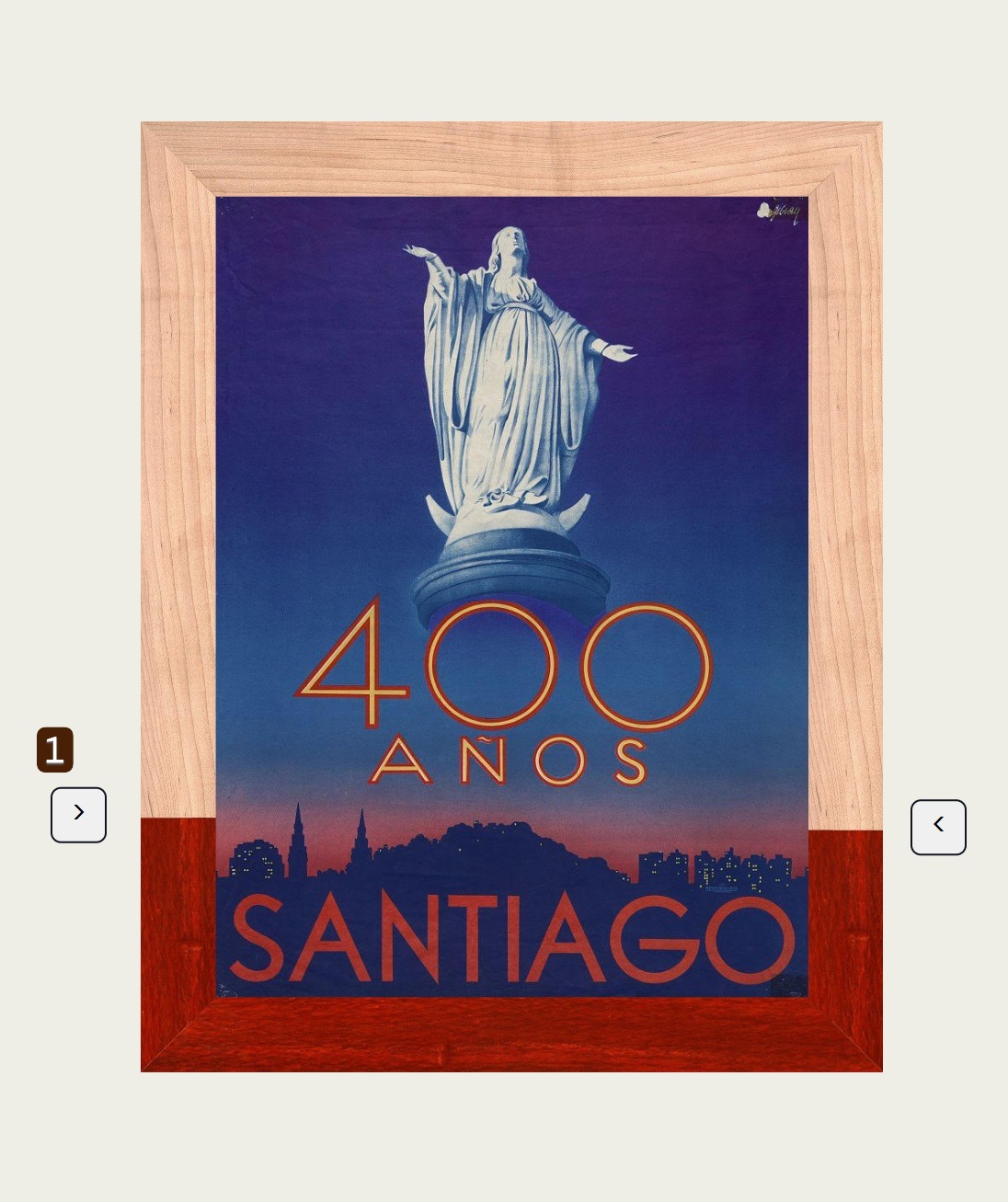
1.) Slide buttons up and down or left to right on the sides of the frame to change the position of grain.
Adjust the grain
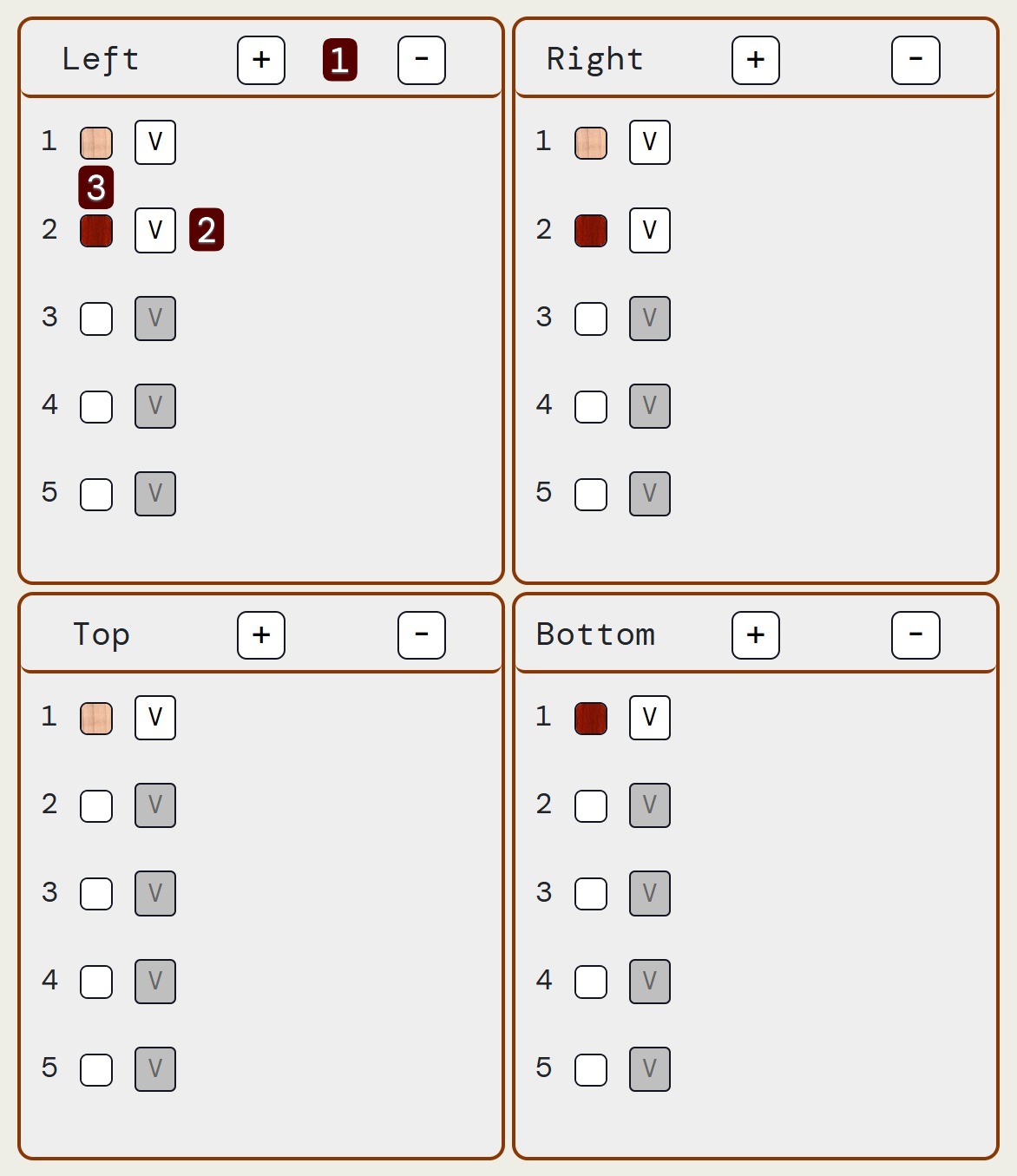
1.) Use the plus and minus buttons to add or remove a section of grain from that side of the image.
2.) Use the dropdown buttons to change the kind of grain for that part on the frame.
3.) Drag the thumbnail of one grain onto another thumbnail to quickly swap grains.
Adjust your size
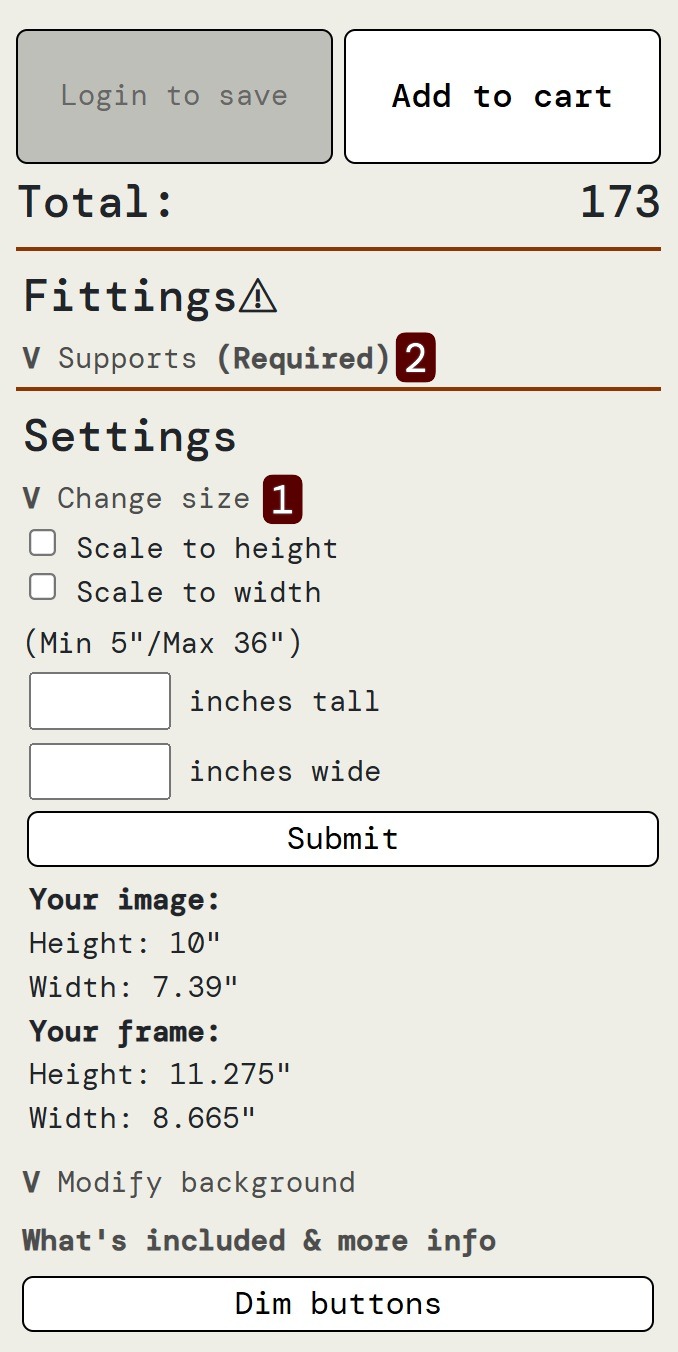
1.) Change the size of your frame here, use the "Scale to (height/width)" buttons to easily keep the frame scaled to image. Not using a "Scale to" button leaves correct sizing of image up to you!
2.) Don't forget to select your support grain.





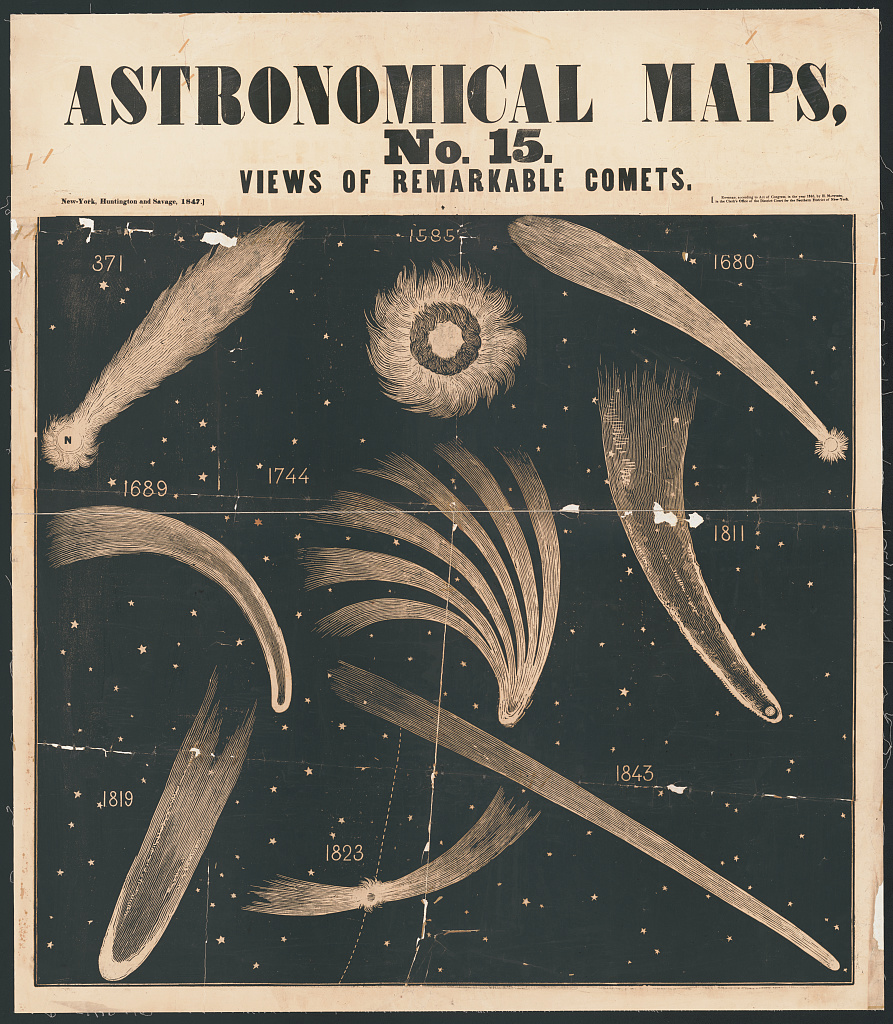
Your image
Left
Right
Top
Bottom
Error:
Total:
Money
-
Fittings⚠
-
 Supports (Required)
-
Selected: 
Click one
-Supports are the pieces in between different sections of wood that add strength.
-
-
Settings
-
Change size
-
Modify background
- What's included & more info